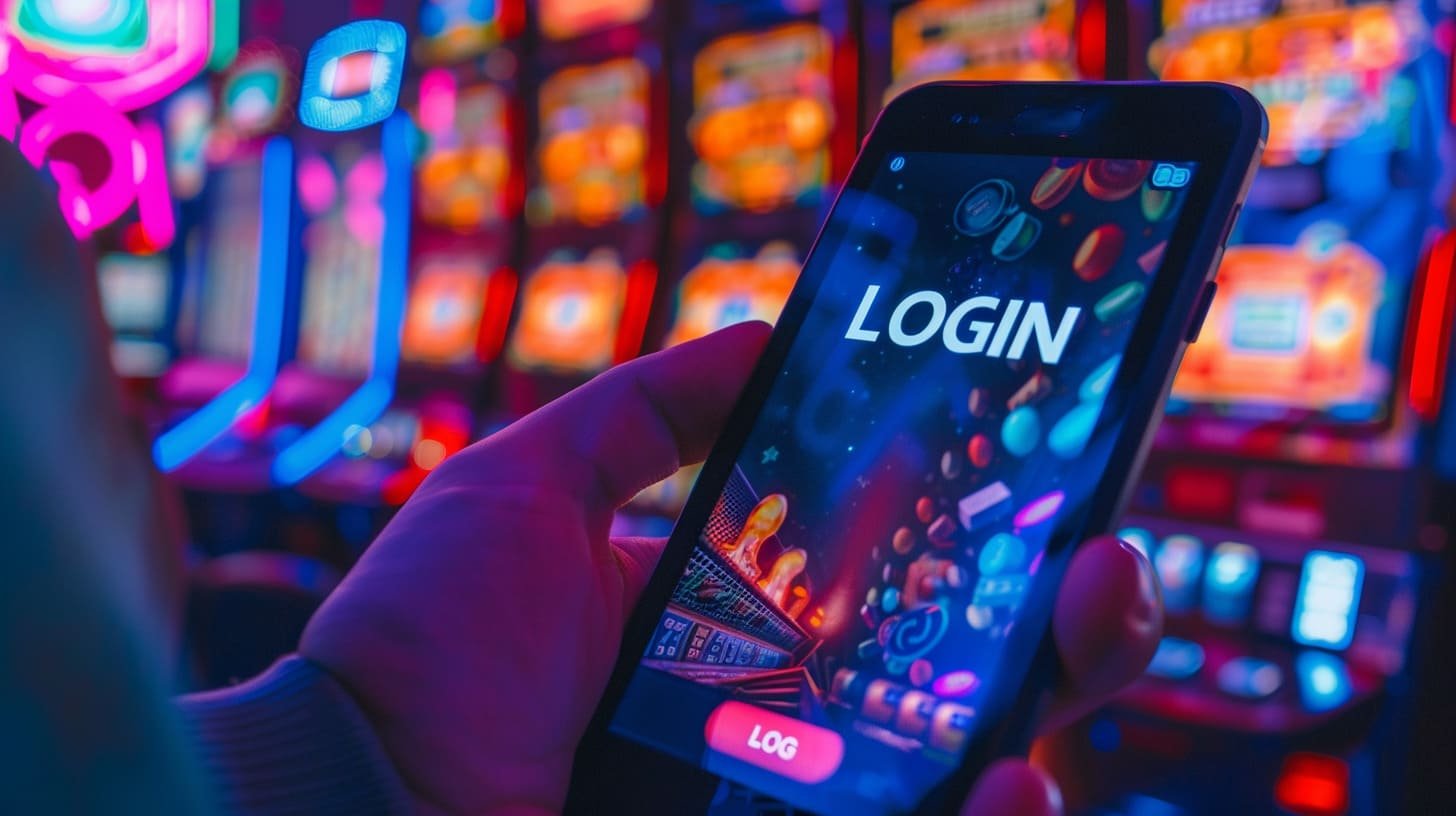
Official App

Download the 27bm — the complete betting and gaming platform right on your phone

Available for Android and iOS, the 27bm was built for the Brazilian player who wants convenience: bet, play slots, withdraw via Pix, and follow everything in real time from wherever you are.

Direct Android APK iOS App Store Pix in seconds PT-BR interface Protected account

Free download. Create your account after installing the app.

100%
Free to download
24/7
Mobile access
2
Platforms (Android/iOS)
BRL
Everything in BRL
Why use the app

The 27bm app was built for the way Brazilians play

These days, nobody stays glued to a computer just to follow a game or spin a slot. The phone is the natural extension of modern entertainment, and the 27bm understood this from the start. The app was developed with a total focus on the mobile experience — it's not an adaptation of a desktop website, it's a product designed from the ground up to work well on a small screen.

You open the app, you're already logged in thanks to securely saved login, and within seconds you can be checking live odds on a match, spinning your favorite slots, or reviewing your wallet balance. All of this without waiting for slow loading or dealing with complicated menus.

The Pix integration is one of the features users praise most. Depositing via Pix through the 27bm takes literally seconds: you open your banking app, scan the QR Code, and the balance is already available to bet. To withdraw, the process is equally fast — request it inside the app and the money arrives in your account within minutes, 24 hours a day, including weekends.


Quick tip: Enable push notifications when installing the 27bm to receive alerts about results, promotions, and reminders for games you are following.
27bm
Android
APK available for direct download
iOS
Available on the App Store
<5min
To install and create an account
R$5
Minimum bet in the app
27bm
Features

Everything you need in a single app

The app from 27bm is not just a window to the website — it's a standalone experience, built to work well on both high-speed networks and the slower mobile connections of everyday life in Brazil. Images load progressively, live bets update without freezing the screen, and navigation between sections is smooth even on devices with modest hardware.

One of the practical advantages of using the app instead of the browser is session persistence. On mobile, you don't need to log in every time you open the app — authentication is securely saved, protected by your device's biometrics or PIN. This means that when the game starts, you're already ready to bet without having to remember any password.

Instant Pix in the app

Deposit and withdraw in BRL directly through the app. QR code generated instantly, balance available in seconds.

Live Betting

Odds updated in real time. Bet during matches without leaving the app from 27bm.

Slots and Fish Games

Access the full catalog of slots and fish games directly through the app, with graphics optimized for mobile.

Push notifications

Receive alerts for results, promotions, and important events without needing to keep the app open.

Biometric login

Use your device's fingerprint or facial recognition to access your account securely and quickly.

Portuguese interface

The entire app of 27bm is in Brazilian Portuguese — menus, alerts, support, and betting history.

Android Installation

How to download and install the 27bm app on Android

The process is simple and takes less than five minutes. See the full step-by-step guide.

1
Go to Android settings

Go to Settings › Security and enable the option "Install apps from unknown sources" or "Allow this source" (varies depending on your Android version).

2
Download the APK

Go to the download page of 27bm from your mobile browser and tap the APK download button for Android. The file will start downloading automatically.

3
Open the APK file

When the download is complete, open the file notification or locate the APK in the Downloads folder and tap it to start the installation.

4
Confirm installation

Android will ask for confirmation to install the app. Tap "Install" and wait a few seconds. No subscription or payment is required.

5
Open the 27bm app

After installation, tap "Open" directly on the installation screen or find the 27bm on your phone's home screen.

6
Create your account or log in

If you already have an account, just log in with your email and password. If you are new, registration takes less than three minutes directly through the app.

APK security: The APK file from 27bm is digitally signed and verified before each release. If your antivirus shows a generic alert about an "app from an unknown source", this is normal — it is a standard Android measure for any installation outside the Play Store and does not indicate a problem with the file.
iOS Installation

Installing the 27bm app on iPhone is even more straightforward

For iPhone and iPad users, the app from 27bm is available directly through the Apple App Store, which makes the installation process even simpler. No security settings need to be changed — Apple validates apps before making them available in the store.

Just open the App Store, search for 27bm, tap "Get" and wait for the automatic download. On devices with Face ID, installation confirmation takes less than two seconds. Once the app is installed, you can use the same Face ID or Touch ID to log in without typing your password every time.

An alternative for those who prefer not to install any app is to use the Progressive Web App (PWA) of 27bm. In Safari, visit the website and tap "Share" › "Add to Home Screen". The icon will appear on your screen just like an installed app, and the experience is virtually identical — with the added benefit of not taking up any internal storage space.

Official App Store

Direct download through Apple's official channel, with security verification guaranteed by the store itself.

PWA as an alternative

Add the 27bm to the home screen via Safari for quick access without installing anything.

Automatic updates

On iOS, the app from the 27bm updates automatically via the App Store — you always have the latest version.

Face ID and Touch ID

Log in to your 27bm with biometrics — faster and more secure than typing your password every time.

27bm
Comparison

Native app, PWA, or web version — which one to choose?

Each way of accessing the 27bm has its advantages. See the comparison to decide which one fits your style of play best.

Feature Android App iOS App Web / PWA
Biometric login
Push notifications (PWA)
Installation required Yes (APK) Yes (App Store) No
Live Betting
Slots and Fish Games
Pix (deposit/withdrawal)
Automatic update Manual (APK) Auto Always up to date
Storage space ~30 MB ~30 MB Minimum
Partial offline performance
27bm
System requirements

What phone do I need to run the 27bm app?

One of the most common concerns when downloading a new app is whether your phone can handle it well. The good news is that 27bm was developed to run efficiently even on simpler devices — after all, the Brazilian market has an enormous variety of handsets, and no one should be left out because of hardware.

For Android, the minimum requirement is version 6.0 (Marshmallow), released in 2015 — meaning virtually any Android smartphone in use today is already compatible. For iOS, the app runs from iOS 12 onwards, covering iPhones from the 6s model. In both cases, 2 GB of RAM is sufficient for a smooth everyday experience.

To make the most of live betting features and slot games with more detailed graphics, a stable connection of at least 4G is more than enough. The app also works on home Wi-Fi networks without any issues. On slower connections such as 3G, the basic betting and balance check functions continue to work normally.

Android

Android 6.0+ 2 GB RAM ~30 MB

Marshmallow or higher. Compatible with the vast majority of Android smartphones in use in Brazil.

IOS (iPhone/iPad)

iOS 12+ iPhone 6s or higher ~30 MB

Compatible with iPhone 6s and all later models. Face ID and Touch ID work from the supported versions onward.

Web / PWA Version

Any modern browser Chrome, Safari, Firefox No installation

Works directly in the browser without taking up space on your phone. Ideal for those who prefer not to install apps or are trying the platform for the first time.

Security

Your account and your data are protected in the 27bm app

Security is taken seriously at every layer of the app — from login to withdrawal.

SSL/TLS encryption

All communication between the app and the servers of 27bm is encrypted to banking-grade standards.

KYC Verification

The identity verification process protects your account against unauthorized access and ensures secure withdrawals.

Two-factor authentication

Enable 2FA to add an extra layer of protection — a code sent to your phone at every login.

CPF-linked withdrawal

Pix withdrawals are only released to the key registered under the account holder's CPF, preventing transfers to third parties.

Note: Never share your password or authentication code with anyone. The team at 27bm never asks for your password via WhatsApp, email, or phone. If in doubt, contact support through the official channel inside the app itself.

Download the 27bm app now and start playing

Install for free on Android or iOS, create your account in under three minutes, and make your first deposit via Pix. Sports betting, slots, fish games, and much more — all in the palm of your hand.

Frequently asked questions

Frequently asked questions about downloading 27bm

Get answers to your questions about installation, compatibility, and app usage.

Yes, the download is completely free for both Android and iOS. There is no installation fee, monthly subscription, or any charge related to the use of the app itself. The only amounts involved are those you voluntarily deposit to play on the platform.

Android displays this warning for any app installed outside the Google Play Store, regardless of whether it is safe or not. Since the APK from 27bm is distributed directly from the official website, so the operating system classifies it as an "unknown source" by default. The file is digitally signed and verified before each release. After installing the app, you can disable the permission again in your settings if you prefer.

Yes. Your account at 27bm is the same on any platform — Android app, iOS app, web version on desktop, or PWA. Your balance, betting history, registration data, and preferences are synced automatically. You can start a bet on your phone and check the result later on your computer, for example.

On Android, app updates from the 27bm are not automatic like on the Play Store. When a new version is available, the app itself displays a notification letting you know there is an update. Just tap the notice and download the new APK directly through the app — the process is quick and does not erase your data or previous settings.

The app from 27bm works on Android tablets and iPads without any issues. The interface automatically adapts to larger screens, making better use of space to display more live betting information and slot games with more detailed graphics. For tablets, the web version is also a great option, with a responsive layout that adjusts to the screen size.

No. If you already have an account at 27bm, just open the app and log in with the same email and password you use on the website. There is no need to create a new account — everything is already synced. If you have forgotten your password, the recovery process is available directly on the app's login screen.
Português (Brasil)